
Programming


User Interface and Menu’s
A games user interface and menu’s can be extremely helpful in helping with the narrative of a game. It can provide information to the player that will help with immersive story telling.
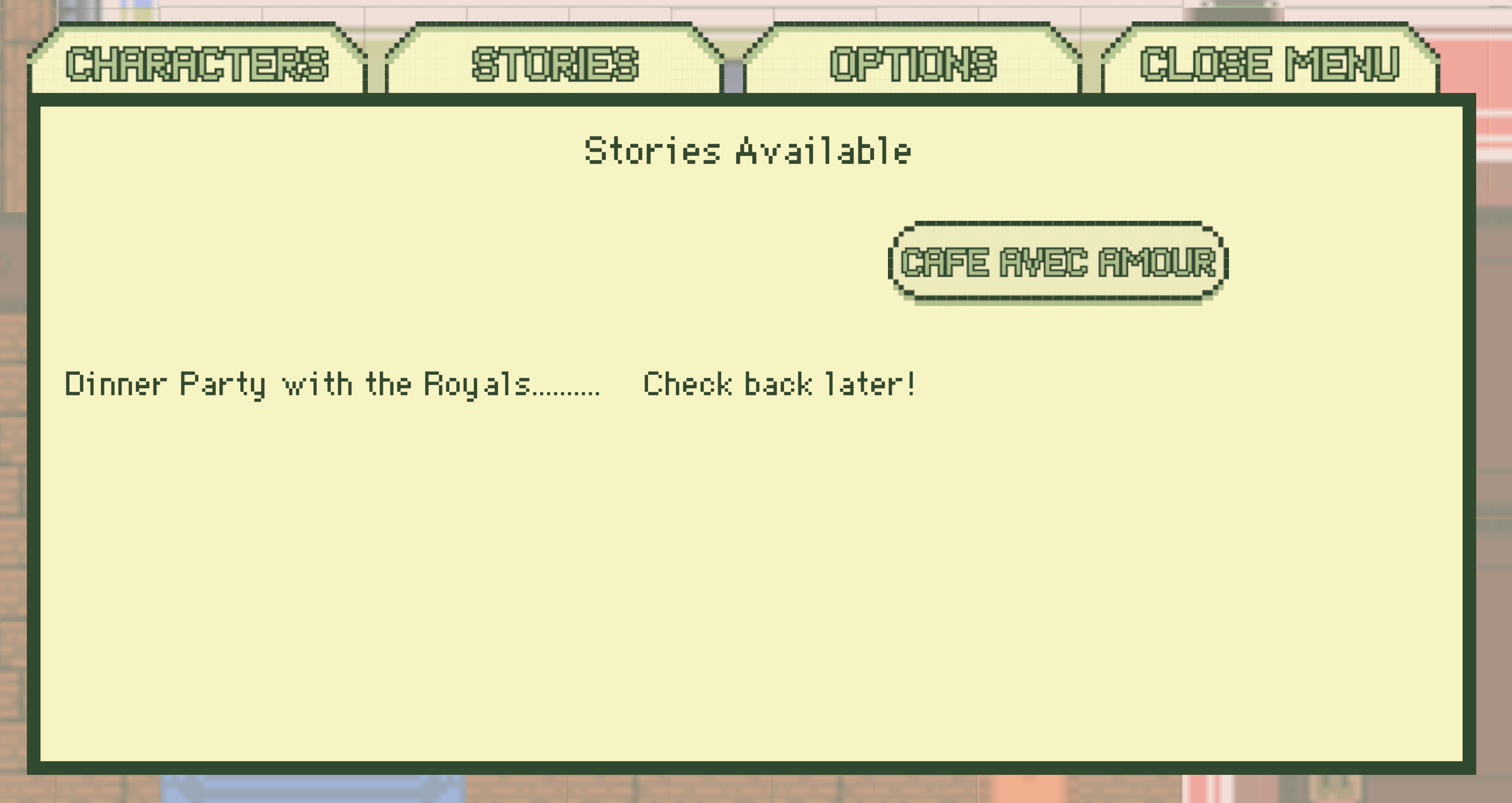
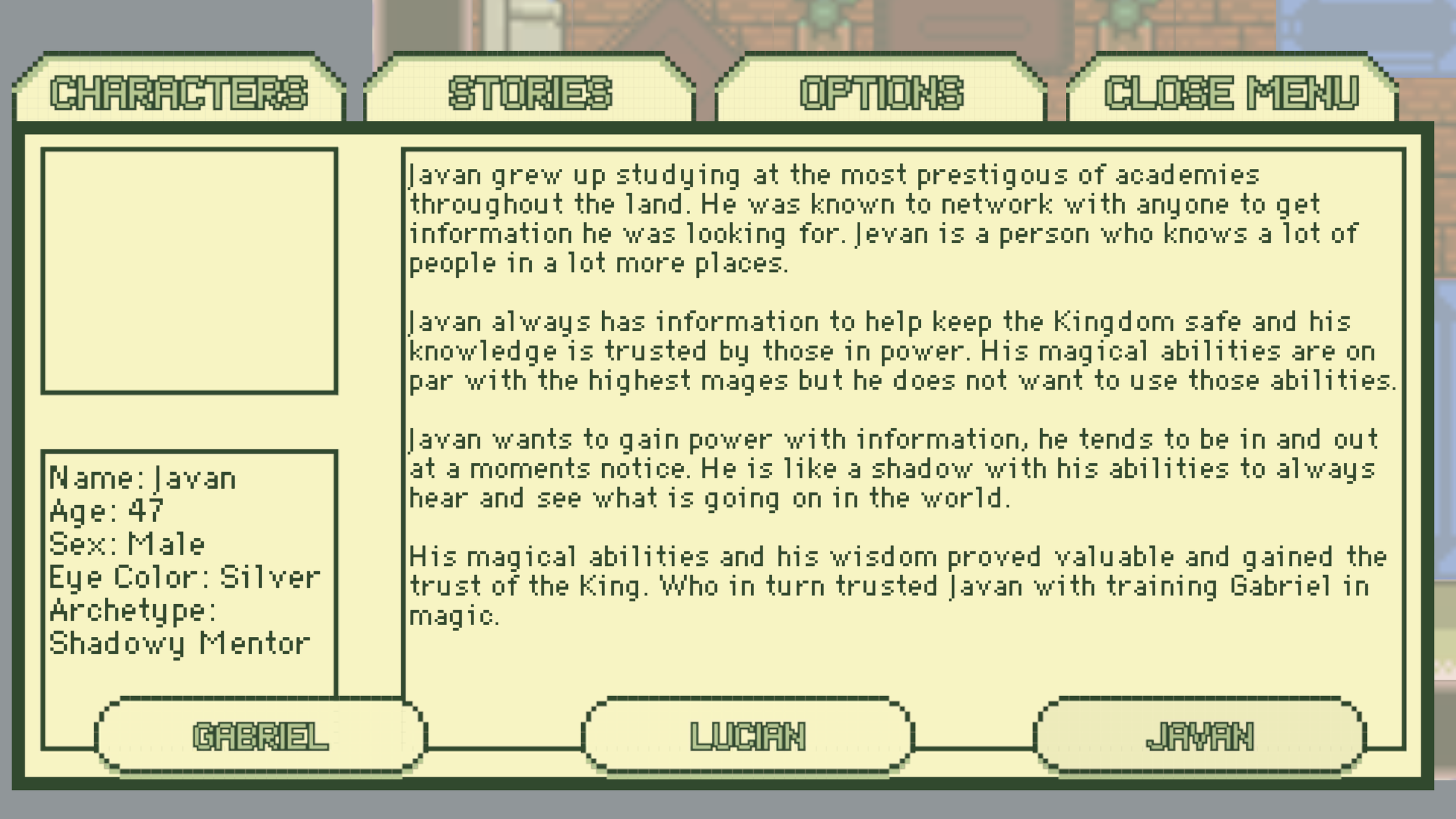
The menu’s are from “Stories by Bran” and this a way to show the player how to quickly access information that they have gathered. The game has two stories loaded in and when the player picks up a story then the story becomes available within the game menu’s.
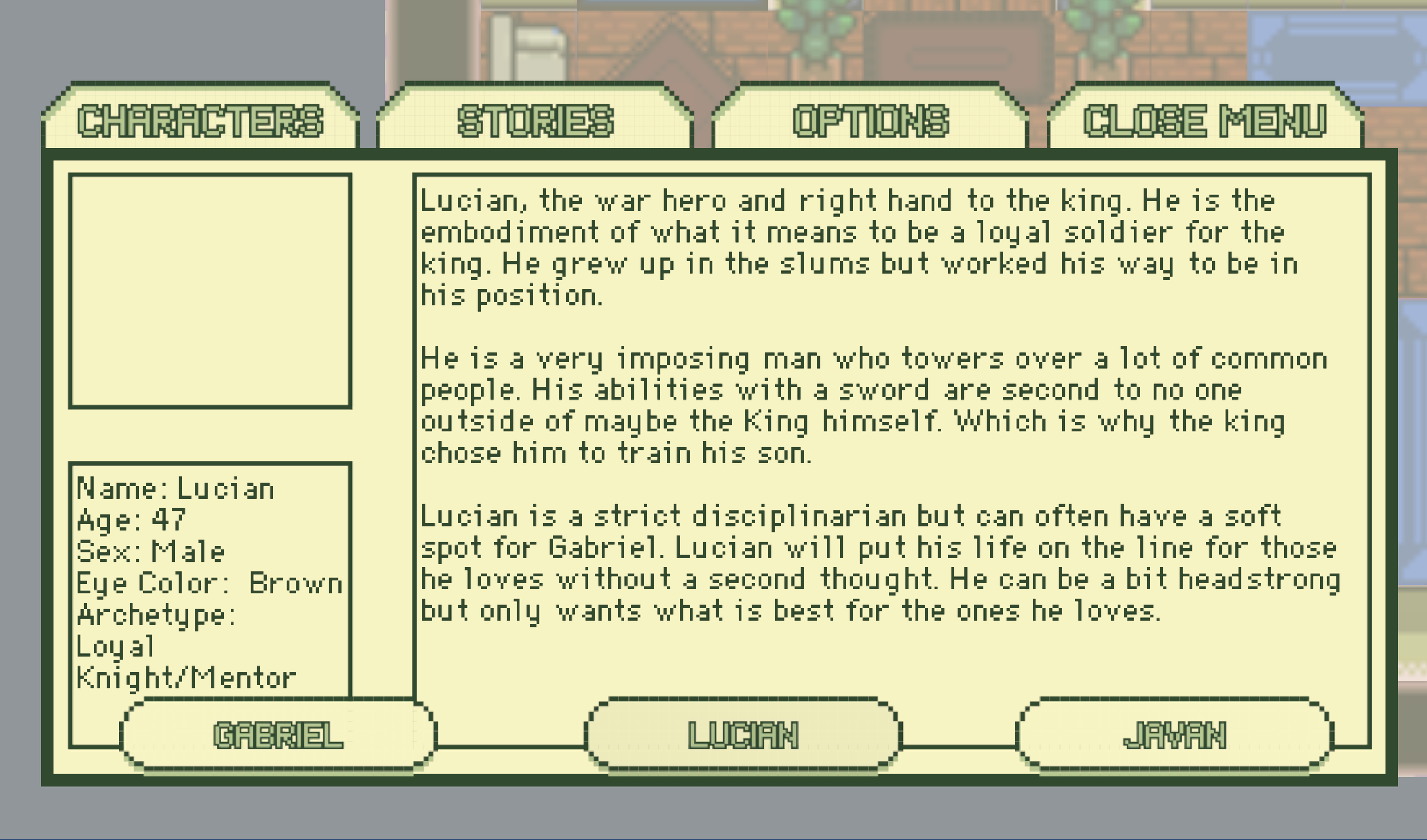
To go along with the story, the player also have access to the character’s information. Character information provides a background to each playable and non playable character of importance within a game. This helps build relationships between the player and the in game characters.
Gameplay Timer
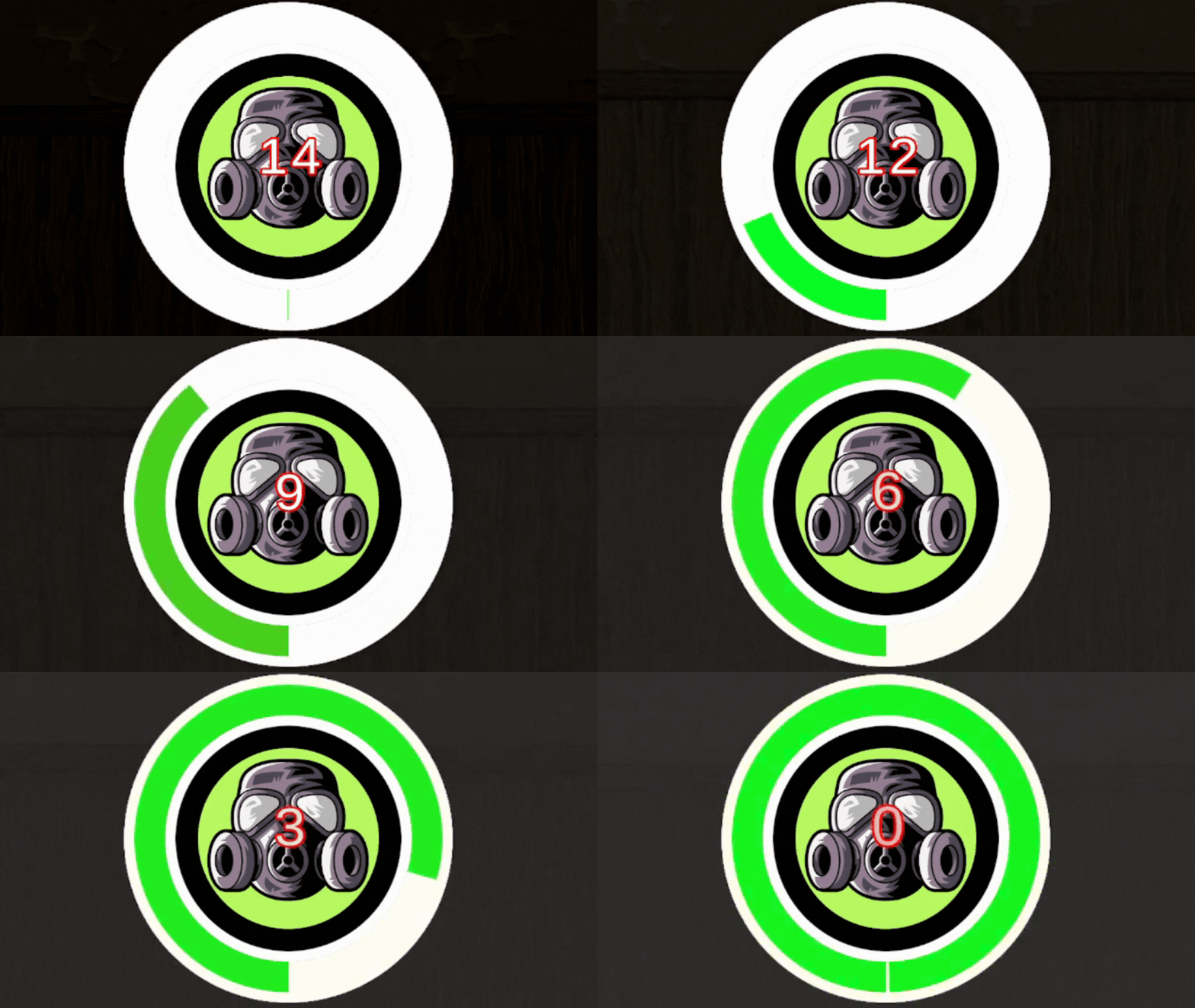
Timers can have a huge impact on a game, by placing a timer in a game you are telling the player that something must be completed urgently. This can build tension in a story. This timer was designed as a countdown to let the player know they will die from inhaling toxic fumes.
This timer was coded for use in Unity and used different UI objects, animations, and image manipulation to created the effects. The timer was coded using C#.
Quick Time Events
Quick time events can be used to quickly push a player through an event or action that you want them to have control over but only to a certain extent.
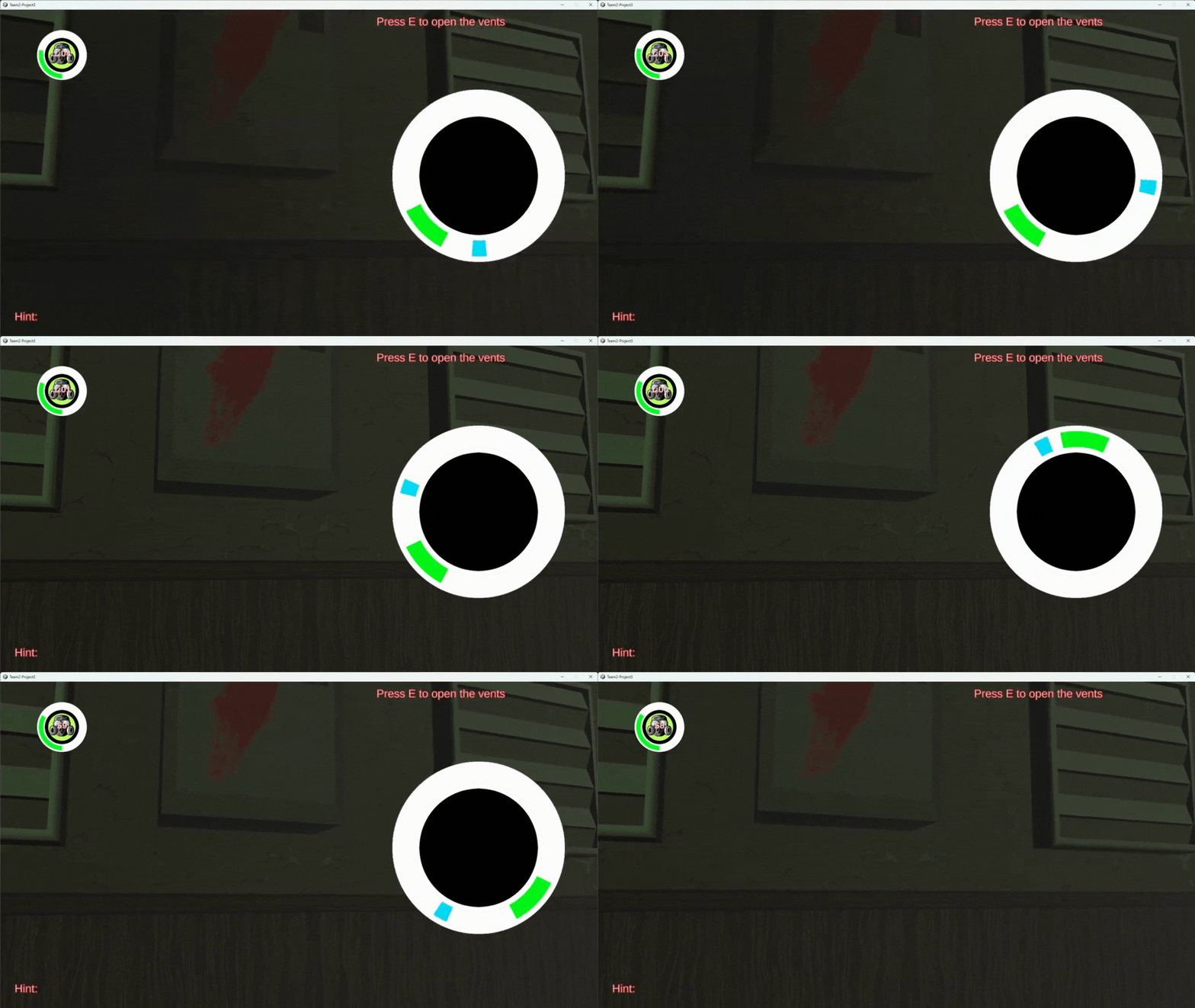
This quick time event was used to in a game where the player is tasked with opening vents in order to extend the time they have available to complete a level. It was used again when a player wanted to break through a door that was locked. It provided the player with the opportunity to complete an action with more than a singular button press.
This was designed for use in Unity, it was coded using C#. It used a random range to pick spots to place the area you needed to stop on and used an empty game object to determine the overlap. The event could be changed in editor to have more or less iterations.